

A guilt-free screen time guide for parents: build healthier habits without aiming for perfection
Key Takeaways
Healthy screen habits are built through choices that fit your family, not a perfect record of screen-free days.
- Consider what a screen is helping with, and what it might be replacing.
- Set boundaries around the routines that matter most to your family.
- Make room for busy days without letting one difficult day define the pattern.
- Choose content thoughtfully and stay involved in your child’s online life.
- Revisit your approach as your child and family circumstances change.
Let go of the idea of perfect screen-time parenting
Screens are part of family life, and most parents have days when a show or game makes the next hour manageable. That doesn’t mean you have failed or that you need to start over tomorrow. A guilt-free screen time guide for parents starts with looking at the whole pattern, then making a few useful adjustments.
Understand why screen-time guilt is so common
Parents hear strong messages about how children should spend their time, while also juggling work, care, meals, and rest. It can be hard to reconcile those expectations with an ordinary afternoon when you need to answer a call or get dinner started. Concern about screen habits is common; guilt doesn’t have to be the only response to it.
If guilt is nudging you to look at a habit, use that information without turning it into a verdict on your parenting. You can explore making screen time work by considering its purpose and what it takes the place of, rather than counting every minute as a success or failure.
Separate a difficult day from your family’s overall habits
A sick day, a long journey, or an especially tiring evening can throw your usual plans off. That is one day, not proof that your routines have disappeared. Notice what happened, then consider whether it is a one-off or something that has become part of the week.

A small reset can be more useful than a grand promise to change everything. You might return to your usual bedtime routine or make time for a walk together the next day. The goal is to pick up where you are, without requiring a perfect streak.
Focus on what works for your household, not other families’ rules
Families differ in work schedules, caregiving needs, children’s temperaments, and access to activities. A rule that works smoothly in one home may be frustrating or unrealistic in another. Your family’s actual day is a better starting point than someone else’s carefully edited account.
Choose a change that addresses a real friction point, such as turning devices off before bed or agreeing on when a game ends. Then give it a little time and see how it feels in practice. A workable boundary is more valuable than a strict rule no one can sustain.
Think about what screens are doing for your family
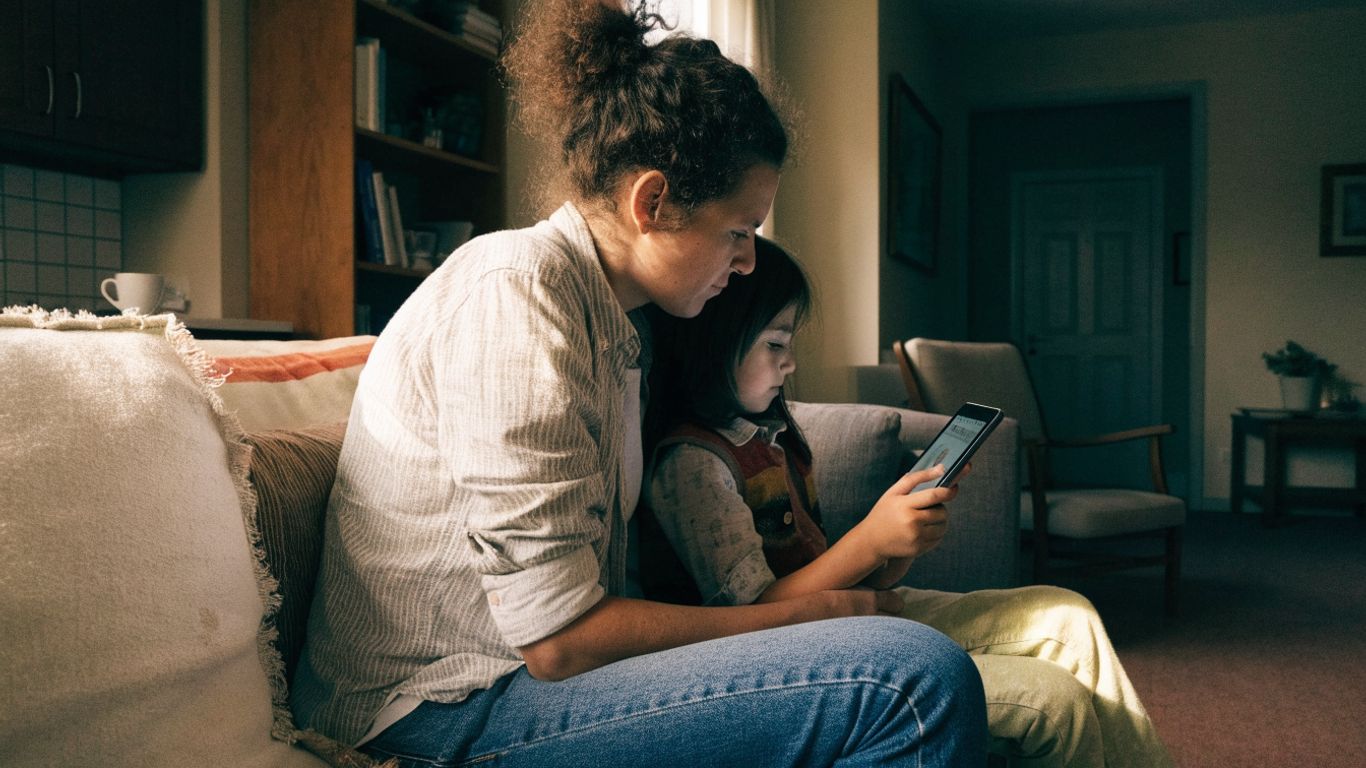
“Screen time” can mean many different things: a video call with a relative, a show while you cook, a game with a sibling, or a video that holds your child’s attention for a while. Those activities don’t all serve the same purpose. Asking what a screen is doing for your family can make decisions feel clearer and less loaded.
Distinguish entertainment from learning, connection, and practical support
A screen might offer a break, support a shared interest, help a child connect with someone, or give a parent a few uninterrupted minutes to manage a necessary task. Entertainment is a valid purpose, too. The useful question is not whether every minute is educational, but whether the activity fits the moment and your family’s needs.
This simple comparison can help you name the purpose without treating one kind of use as automatically good or bad.
| What the screen is doing | A question to consider |
|---|---|
| Offering entertainment | Is this a reasonable way to relax right now? |
| Supporting connection | Is my child sharing an experience with someone? |
| Helping with a practical task | Does this give me needed time to handle something? |
| Supporting learning or curiosity | Is my child interested and engaged with it? |
The same activity may serve more than one purpose, and its value can change with the circumstances. When you name what you need from screen time, it is easier to decide when to use it and when another option might work just as well.
Notice how different content affects your child’s mood and attention
Children can respond differently to different shows, games, and apps. You might notice that one activity leaves your child cheerful and ready to move on, while another makes stopping especially difficult. Treat these observations as clues about your child, not as a reason to label them or blame yourself.
Try noticing what happens before and after screen use: Is your child tired, absorbed, restless, or ready for something else? Patterns can help you choose content and timing that fit better. If you are unsure, make one small adjustment and see whether the transition changes.
Consider age, temperament, routines, and family circumstances
A plan that suits a preschooler may not suit an older child, and siblings may need different support. Some children move on easily; others need more preparation or help with transitions. Work schedules, travel, illness, and caregiving responsibilities matter as well.
Rather than searching for one rule that fits everyone, make a plan around the child and situation in front of you. Practical advice on play and family time can also prompt ideas for balancing screens with movement and shared activities. Choose what is realistic for your household, then adjust if it isn’t working.
Set screen-time boundaries that fit real life
Boundaries can help everyone know what to expect, but they do not have to be complicated. Start with the parts of the day that matter most to your family, then decide where screens fit around them. A useful plan should leave room for normal disruptions, not fall apart as soon as the day changes.
Choose limits that reflect your family’s priorities
Instead of starting with a long list of restrictions, identify one or two priorities. Your family might want to protect bedtime, keep meals available for conversation, or make sure there is time to play outside. Once you know what you are protecting, it becomes easier to decide what boundary supports it.
For example, you could agree on a stopping time for evening videos or keep devices away from the table. A few clear expectations are often easier to explain and remember than a rule for every situation. Keep the plan specific enough that your child knows what to expect.

Make room for busy days, travel, and unexpected changes
A flexible plan can still have boundaries. You might use screens differently on a long trip, during illness, or when a parent has to work at an unusual time. The point is not to pretend every day is the same; it is to make those exceptions intentional instead of turning them into another source of guilt.
It can help to agree on a few practical options before a hectic moment arrives:
- Decide when screen time is especially useful, such as during a necessary task.
- Keep a familiar activity ready for travel or waiting periods.
- Let your child know when an unusual day is changing the normal plan.
- Return to the usual routine when circumstances settle.
These choices make flexibility easier to explain. You can acknowledge that today is different and still be clear about what will happen next.
Decide in advance what happens when a boundary is hard to keep
Some limits will be hard to hold, especially when a child is deeply engaged or already tired. Decide what you will say and do before you reach that moment. A calm, familiar response can make the boundary clearer without turning it into a long negotiation.
You might say, “You can finish this episode, then we’re turning it off,” or, “I know you want to keep playing. It’s time to stop, and I’ll help you switch to the next thing.” Keep the words brief and kind. If a boundary repeatedly leads to a difficult battle, consider whether the timing, warning, or limit needs adjusting.
Create a balanced daily rhythm
A balanced routine is not a day packed with activities or an effort to eliminate every screen. It is a day with room for the basics that help children feel settled, including sleep, meals, movement, and connection with other people. Small anchors can make the rhythm feel more predictable for adults and children alike.
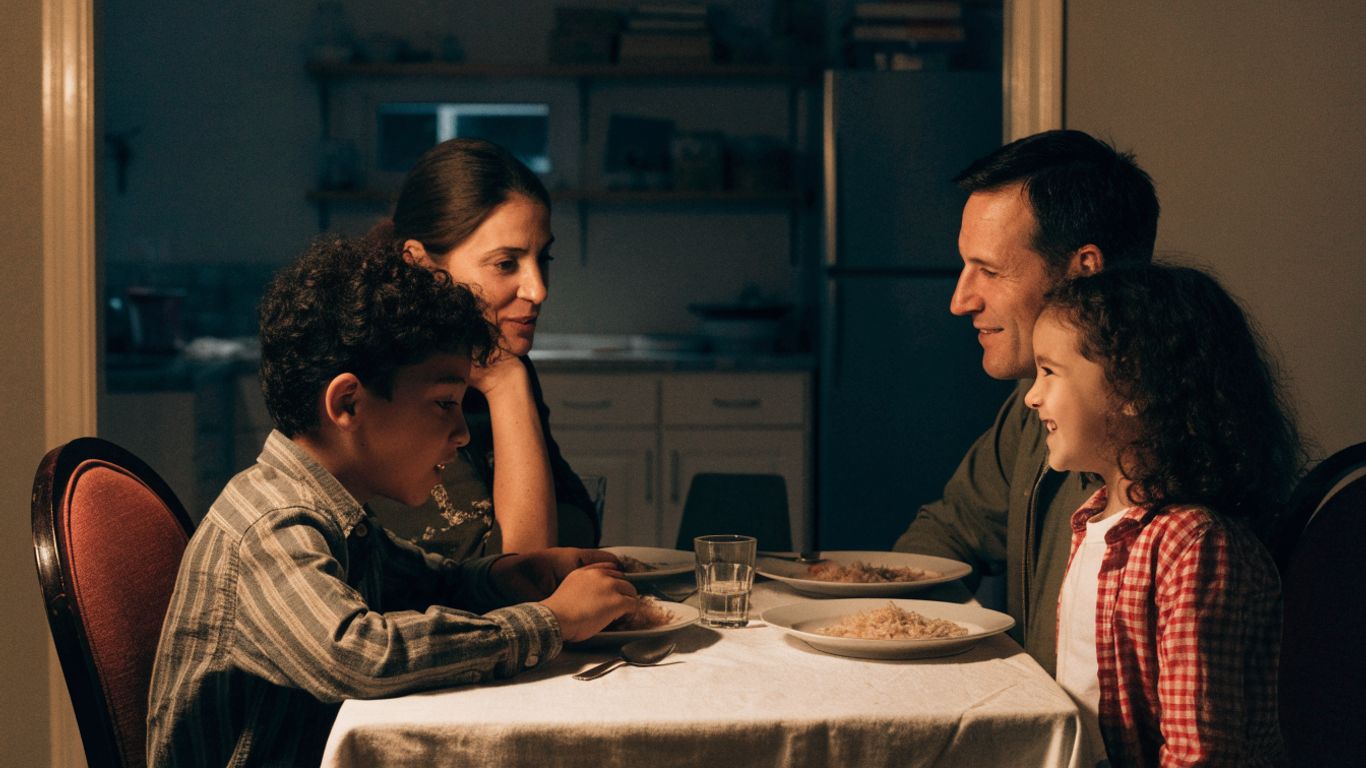
Protect sleep, meals, movement, and face-to-face connection
When screens start crowding out something your family values, look first at that part of the day. A screen-free meal may help your household reconnect, while a predictable wind-down can make bedtime feel less rushed. The exact routine will vary, but it helps to be clear about what you want to protect.
You do not need to reorganize the entire day. Choose one anchor, such as a device-free meal or a consistent point when evening screen use ends, and test it. If it supports the routine without creating constant conflict, it may be worth keeping.
Plan screen-free moments that feel achievable
Screen-free time is easier to maintain when it has a place in the day and doesn’t require elaborate preparation. A short stretch of play, a walk, helping with a simple task, or talking together can count. These moments can be ordinary; they do not have to become a special family event.
Try pairing one screen-free moment with something that already happens, like chatting over breakfast or playing while dinner cooks. Keep expectations realistic, especially when everyone is tired. A repeatable little pause can matter more than an ambitious plan that rarely happens.
Use transitions and warnings to make stopping easier
Stopping can be tough when a child is absorbed in a show or game. A warning gives them time to prepare, while a clear endpoint helps them understand what comes next. Try a short reminder such as, “Five more minutes, then we’re putting the tablet away,” and follow through as calmly as you can.
If a timer helps your child, use it as a neutral cue rather than a threat. You can also tell them what they are moving toward: “When this ends, it’s time for your bath.” A predictable next step may make the transition feel less abrupt, even if your child is still disappointed.
Make screen use more intentional
Being intentional does not mean supervising every second or turning every video into a lesson. It means making choices that suit your child and staying available for questions or concerns. A few habits—checking what is on, sharing an activity sometimes, and talking openly—can make screen use feel less automatic.
Choose age-appropriate content and trusted sources
Take a moment to check whether a show, game, or app seems suitable for your child’s age and sensitivity. Look at the material itself when you can, and pay attention to your child’s reaction. What works for one child may be unsettling or too intense for another.
You can also make it easy for your child to ask for help choosing something. If they come across content that feels confusing or upsetting, listen first and respond without scolding them for bringing it to you. That makes it more likely they will ask again.
Watch, play, or explore together when it makes sense
Sharing a screen activity can give you a chance to learn what interests your child. You might watch a short video together, ask what they noticed, or take turns during a game. It need not happen every time; even occasional shared attention can open up conversation.
Follow your child’s lead rather than turning the moment into a quiz. A curious question or a laugh together may be enough. If you are busy, you can still talk afterward about what they watched or played.
Talk about ads, privacy, online behavior, and what to do when something feels wrong
Children benefit from knowing that they can come to you when something online bothers them. Keep the conversation ongoing and age-appropriate: explain that some content is trying to sell something, remind them not to share private details, and discuss how to treat other people online. You do not need one big serious talk to cover everything.
Make the next step clear: pause, leave the content, and tell a trusted adult. When a child brings you a concern, thank them for telling you and help them work out what to do. A steady, non-shaming response keeps the door open.
Adjust your approach as your child grows
A screen plan is not a permanent contract. Children’s interests, skills, school demands, and need for independence change over time, and family circumstances do too. Check in now and then so that expectations keep reflecting the life you have, not the one you had a year ago.
Review what is working without judging past choices
Ask yourself what feels smoother and what still creates tension. Maybe a bedtime boundary is helping, but stopping a game after school remains difficult. That information gives you a place to start; it does not mean you made the wrong choice before.
Change one part of the plan at a time when possible. You can explain that you are trying a different approach and see how it goes for a week or two. A review is an opportunity to learn, not a scorecard for past parenting.
Involve children in setting and revisiting family expectations
As children grow, invite them to talk about what feels fair and what makes screen transitions difficult. They can suggest activities to do after a device is put away or help choose a time that protects sleep. Their input does not mean every boundary is up for a vote; it helps them understand the reasons behind it.
Be direct about the limits that remain. You might say, “I hear that you want more time. We still need to stop before bed, but let’s decide together what you’d like to do afterward.” That combines listening with a clear expectation.

Seek support if screen use is regularly disrupting sleep, school, relationships, or well-being
If screen use is repeatedly interfering with sleep, learning, relationships, or your child’s well-being, it may help to talk with a pediatrician or another qualified professional who knows your child. Share what you have noticed, including when the difficulties happen and what you have already tried. You do not need to wait until everything feels unmanageable to ask for guidance.
Professional support can help you consider the wider picture and identify practical next steps. In the meantime, focus on one routine that feels most affected and keep communication open with your child. Reaching out is a reasonable step, not an admission that you have failed.
Conclusion
You do not need a perfect screen-time record to build healthier habits. Notice what screens are doing for your family, protect the routines that matter, and choose boundaries you can return to after a hard day. A plan that can flex and be revisited is more useful than one that only works when life is calm.
Frequently Asked Questions
How much screen time is okay for children?
There is no single number that fits every child and family. Consider your child’s age, the type of content, what screen use replaces, and whether sleep, movement, relationships, and other needs have room in the day.
Is it okay to use a screen so I can get something done?
Yes. Using a show or game to create time for a necessary task can be a practical choice. Think about how it fits into your overall routine rather than treating one busy moment as a failure.
What should I do if my child gets upset when screen time ends?
Give a warning, make the stopping point clear, and tell your child what happens next. Stay calm and consistent, and reconsider the timing or transition if the same conflict keeps happening.
Should every screen activity be educational?
No. Entertainment, relaxation, connection, and practical support can all be reasonable purposes. You can still choose content thoughtfully and make room for other parts of family life.
How can I reduce screen-time guilt?
Try replacing self-criticism with a practical question: what purpose did the screen serve, and is there anything you want to adjust? A difficult day does not define your family’s overall habits.
How do I set boundaries that my child can understand?
Keep expectations simple, specific, and consistent. Explain when screen time ends and what your child can do next, and allow room for age-appropriate discussion as they grow.
When should I ask for help with my child’s screen use?
Consider speaking with a pediatrician or qualified professional if screen use regularly disrupts sleep, school, relationships, or well-being. Share the patterns you have noticed and ask what support may fit your child.


Ms. Kerri’s Corner provides a exciting virtual space for preschool learning. Through a variety of engaging activities, she exposes young minds to early math, literacy, science and social-emotional skills in a developmentally appropriate way. Centers for blocks, art, books and music allow children to explore hands-on learning at their own pace. Guided lessons subtly introduce number sense, letter sounds and narrative thinking. Careful observation gives insight into each child’s progress across domains. Viewers are also invited to participate, reinforcing that their ideas are valued. By making learning fun yet purposeful, Ms. Kerri lays the groundwork for future academic success while fostering creativity and imagination. Her program offers preschoolers valuable screen-based learning experiences.