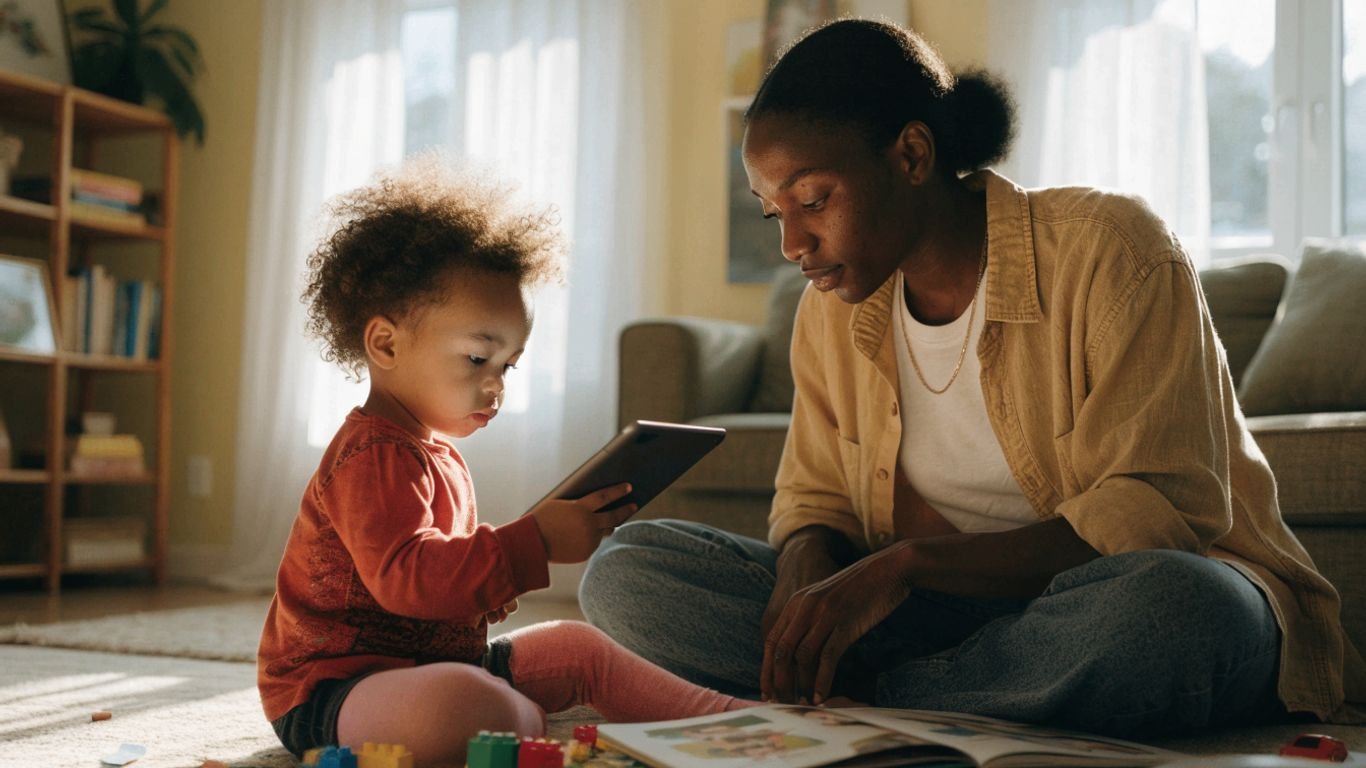
Toddler screen time boundaries that work: A practical guide for calmer routines
Key Takeaways
Screen boundaries work best when they’re clear, realistic, and steady enough for a toddler to recognize. Start small, then adjust to what your child and family need.
- Check age-based guidance and consider your toddler’s whole day, not screen minutes alone.
- Set a few simple rules that every caregiver can follow.
- Make screens predictable parts of the day rather than a constant option.
- Give warnings and a clear next step when it’s time to stop.
- Stay kind and firm when your toddler protests, and revise a routine that isn’t working.
Start with age-appropriate screen time expectations
It’s easier to set a useful boundary when you have a realistic starting point. Recommendations can vary by age and organization, so treat them as guidance rather than a test of whether you’re doing parenting right. The goal is to protect time for sleep, play, conversation, and the ordinary family moments that help toddlers grow.
Check current guidance from pediatric health organizations
Look up current recommendations from pediatric health organizations, especially if your child is very young or you’re unsure what counts as appropriate viewing. Guidance often distinguishes between age groups and between passive viewing and shared use, so read beyond a single number. You can also review age-based screen guidance as a starting point, then confirm recommendations with a pediatrician if you have questions about your child’s needs.
A simple reference can help turn broad advice into a plan, while still leaving room for family circumstances:
| Age or situation | A practical starting point | What to keep in mind |
|---|---|---|
| Under 18 months | Avoid routine screen use, apart from video calls | Prioritize face-to-face interaction |
| 18–24 months | If introducing media, choose high-quality content and watch together | Toddlers learn best with an adult helping them connect what they see to real life |
| Ages 2–5 | Keep viewing limited; many guidelines recommend no more than about an hour a day | Less may work better, and content and context matter |
| Any age | Protect sleep, active play, and family routines | A screen limit is one part of a healthy day |
Use these age ranges as a prompt to check current advice, not as a reason to panic over an occasional longer day. A boundary should help your family make decisions with less stress, not create another way to feel behind.
Consider your toddler’s age, development, and daily needs
Two toddlers of the same age may respond very differently to screens. Think about how your child handles transitions, whether a program leaves them settled or wound up, and what else is happening that day. A tired child who missed a nap may need a different plan from a well-rested child on an ordinary afternoon.
When you’re deciding what fits, look at the whole rhythm of the day: sleep, meals, movement, play, and time with other people. If those needs are being squeezed out, try shifting the timing or shortening a viewing session before deciding that you need a complicated new system. A workable limit beats a perfect one that no one can keep.
Count video calls and background screens thoughtfully
A video call with a grandparent is not quite the same experience as a toddler watching a stream of videos alone. It can be a real social connection, particularly when an adult helps the child take turns, wave, and respond. Still, it may help to keep calls intentional and brief enough for your toddler’s attention span.
Background television and videos can be easy to overlook because no one is actively watching. Notice whether they make it harder for your child to focus on play or for the family to talk, then turn them off when they’re not serving a purpose. Counting thoughtfully means paying attention to what screens are doing in the room, not just tracking minutes on a device.
Set clear rules your family can follow
A boundary is easier to hold when it’s simple enough to remember in a busy moment. You don’t need a long list of restrictions; a few clear decisions about when, where, and how screens fit can make the day feel more predictable. Choose rules you can explain without a speech and repeat without negotiating every time.
Choose when and where screens are allowed
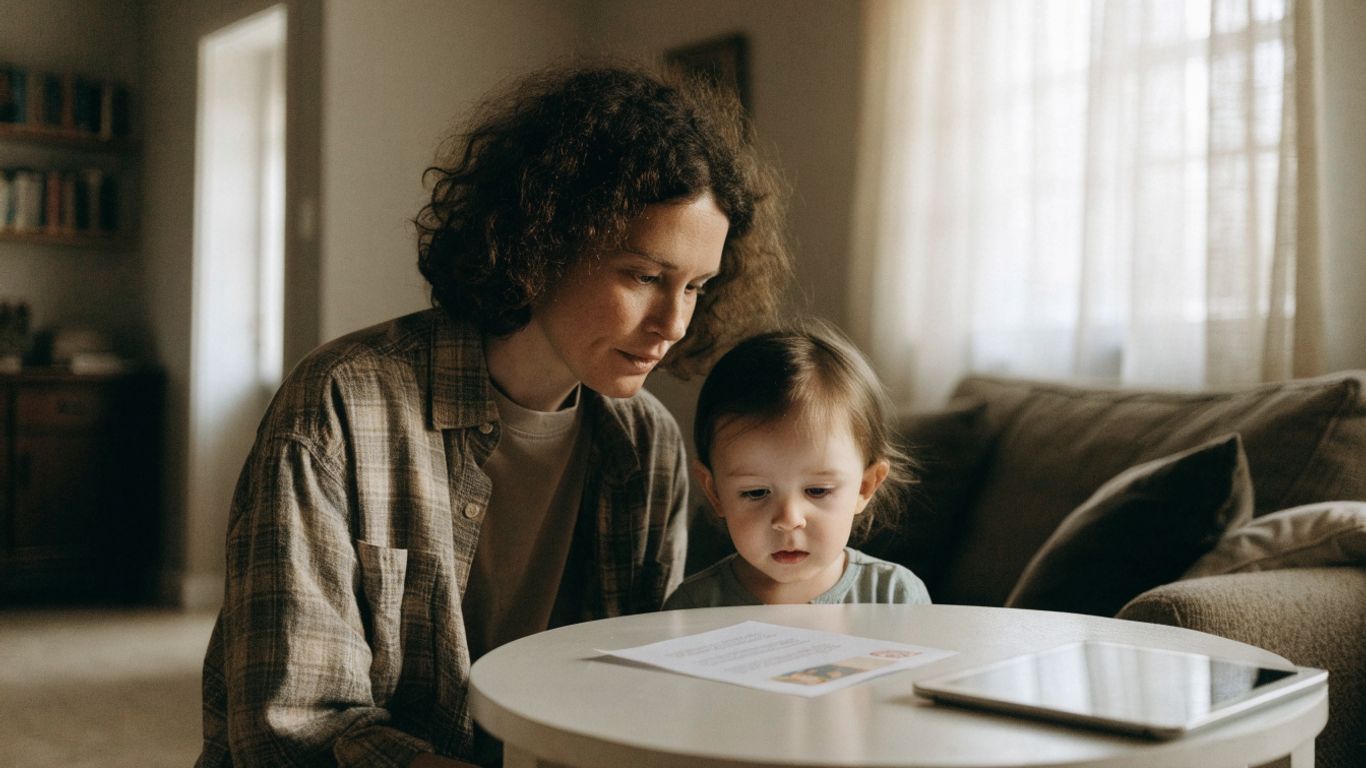
Pick regular windows that make sense for your family, and decide where viewing happens. For example, you might allow a short program after lunch in the living room, but keep screens away from the table and bedroom. The particular rule matters less than making it clear enough that your toddler can begin to recognize the pattern.
It may help to say the rule in plain, familiar words: “We watch one show after lunch. We turn it off before we go outside.” Keeping the explanation brief makes it easier to repeat calmly, even when your child wants to bargain for another episode. For more ideas on steady household expectations, see these screen-boundary strategies.
Define limits for weekdays, weekends, and special occasions
A routine doesn’t have to be identical every day to be dependable. If weekends or travel days look different, decide ahead of time what changes and what stays the same. For instance, you might allow an extra show during a long drive while keeping the usual no-screens-at-meals rule.
Putting the difference into words helps prevent an exception from turning into an open-ended negotiation. “Today is a long car ride, so we’ll watch a movie in the car. Tomorrow we’re back to our usual plan.” That kind of advance explanation gives your toddler a clearer frame than changing the limit in the middle of a protest.
Make sure caregivers understand and use the same rules
Different adults don’t have to use identical words, but it helps when they agree on the basic boundary. Talk through the usual screen times, the stopping point, and what counts as an exception. A short note on the fridge or a quick message in a shared caregiver chat can spare everyone from trying to remember a complicated plan.
If caregivers need a compact reminder, keep it to a few essentials:
- When screens are usually available.
- Where your toddler may watch.
- What signals the end of a session.
- Which exceptions are okay and who decides.
A shared plan makes it less likely that one adult will be left handling a surprise change alone. It also gives your toddler the same general expectation from one day to the next, even when the grown-ups take turns.
Build screen time into daily routines
Screens tend to cause more friction when they appear unpredictably or crowd out something your toddler was counting on. A routine gives viewing a place, and it gives the rest of the day a place too. Keep the plan flexible enough for real life, but steady enough that your child can begin to anticipate what comes next.
Choose predictable times that fit around sleep and meals
Choose viewing times that don’t interfere with meals, naps, or bedtime. Many families find it easier to avoid screens right before sleep, when turning off a show can become one more hurdle in the evening. If a program reliably leads to a difficult transition, move it earlier or choose a shorter option.
A predictable slot also helps answer the familiar question, “Can I watch something?” You can respond with a simple reminder about when screen time happens rather than deciding from scratch each time. Keep an eye on how the routine feels over several days; if it makes the rest of the day harder, change the timing.

Create screen-free parts of the day
Screen-free time works best when it is tied to something your family already does, rather than presented as a punishment. Meals, bedtime stories, outdoor play, and the first part of the morning are all possible anchors. Start with one or two stretches of the day that matter to your family instead of trying to remove screens from every moment at once.
If your toddler is used to having something on in the background, expect the quiet to feel unfamiliar at first. Offer an easy alternative nearby—blocks on the floor, music without a video, or a few books within reach. The aim is to make room for play and connection, not to keep a toddler entertained every second.
Model the screen habits you want your toddler to learn
Toddlers notice how adults use phones, even when no one is explaining the rules. Put your own device away during a meal or playtime when you can, and say what you’re doing when you need to use it: “I’m checking the message, then I’ll put my phone down.” Small, visible actions make the family rule feel more shared.
You don’t have to be available without interruption all day. If work or household tasks require screen use, explain it in simple terms and return your attention when you’re able. A realistic example—one that allows for everyday needs—will be easier for your child to see and learn from than a rule adults can’t follow.
Make transitions away from screens easier
For many toddlers, stopping is the hardest part—not because they’re being difficult on purpose, but because shifting attention takes practice. A plan can’t prevent every protest, but it can make the ending less sudden. Keep your words short and your response steady, especially when your child is already tired or absorbed in a show.

Give simple warnings before screen time ends
A warning gives your toddler a moment to prepare for the change. Try a brief reminder such as, “Two more minutes, then we turn it off,” followed by one final cue when the time is nearly up. If your child doesn’t understand minutes yet, pair the words with a visible event, such as finishing the current song or episode.
Keep the warning honest and consistent. If you say “one more minute” repeatedly, the words may stop feeling like a real signal. It’s okay if your toddler still objects; the point is to make the ending predictable, not to guarantee that they’ll welcome it.
Use a consistent ending cue or shutdown routine
A small repeated action can help mark the end: close the app, wave goodbye to a character, put the remote in its spot, or say the same short phrase each time. A routine is especially useful when a toddler is still learning how time works. Use a cue you can repeat without needing extra equipment or a lot of explanation.
After the cue, follow through calmly. If the device is still available and the decision is up for debate, your child may naturally keep asking. You can acknowledge the feeling—“You wanted more”—and restate the boundary: “The show is finished for today.”
Offer a specific next activity to help your toddler switch gears
A vague instruction like “Go play” can be tough to act on when a toddler has just stopped watching. Offer one concrete next step instead: “Let’s take the toy cars to the rug,” or “Come help me wash the strawberries.” A clear invitation gives your child somewhere to put their attention, without suggesting that you can make the transition happen instantly.
If your toddler refuses the activity, stay nearby and begin it yourself, or offer a simple choice between two options. You can also find more ideas for managing toddler challenges when a transition is part of a larger tough moment. The screen still ends at the agreed time; the next activity is help with switching gears, not a reward your child has to earn.
Choose content that supports healthy viewing
The amount of time matters, but so does what your toddler watches and how the viewing fits into family life. A calmer, age-appropriate program may be easier to stop than an endless stream of short videos. You don’t need to turn every viewing session into a lesson; choose with care, then stay available to your child.
Look for age-appropriate, calm, and engaging programs
Choose programs made for your child’s age, with a pace and themes they can follow. Watch how your toddler responds: some content leaves them relaxed and ready to play, while other viewing seems to make them more restless. Your own observation is useful information, even when a program is popular or recommended by someone else.
Look for a clear stopping point, such as one episode rather than an endless feed. When you’re not sure whether a program is a good fit, watch a little with your child before making it part of the routine. The aim is to choose intentionally, not to find a perfect show that solves every hard moment.
Watch together and talk about what you see
Watching together gives you chances to connect what’s on screen with your toddler’s real world. You might name an animal, notice a character’s expression, or ask what your child thinks will happen next. Keep the conversation light; a toddler may answer with a word, a gesture, or no response at all.
Even a short exchange makes viewing more social. Afterward, you can bring the idea into play—pretend to feed a toy animal or build a block tower like one in the show. If your child isn’t interested, that’s fine too. Shared attention is an invitation, not another task to get right.
Turn off autoplay and avoid screens running in the background
Autoplay can make a planned episode stretch into one more and then another. Turning it off gives the end of a program a natural pause, so you can follow the routine you set. Likewise, switching off a screen that no one is watching reduces the chance that it quietly becomes the center of the room.
These small adjustments are most useful when they support a boundary you already chose. If your toddler expects another video, you can point to the plan: “That was our show. Now we’re turning it off.” Repeating the same calm sequence helps the rule become familiar over time.
Respond to pushback and adjust when needed
Protests can be loud, especially when a toddler is tired, hungry, or deeply absorbed in a program. That doesn’t mean the boundary is wrong or that you’ve failed to make it clear. Stay close, keep your response simple, and remember that your child can be upset while you still follow through.
Stay calm and hold the boundary during protests
Try acknowledging the feeling without reopening the decision: “You’re mad that it’s over. I hear you. Screen time is finished.” A short, steady response gives your toddler reassurance without turning the moment into a long debate. You can offer comfort while keeping the limit in place.
If your child cries or yells, you don’t need to solve the feeling immediately. Stay nearby and repeat the boundary when needed. Once your toddler is calmer, move into the next part of the routine; a difficult reaction is not proof that the rule is harming your relationship.
Plan for exceptions without making them the everyday rule
Illness, travel, a disrupted day, or an exhausted parent can change what’s realistic. An occasional exception doesn’t erase the routine you’ve built. When possible, name the reason and the limit in advance: “You’re sick today, so we’ll watch one extra show. Tomorrow we’ll return to our usual plan.”
If your family is deciding whether to reduce screen use all at once or gradually, this guide to changing screen habits can help you think through which approach may fit. Whatever you choose, make the plan manageable and avoid treating one off day as a reason to give up on the routine entirely.
Revisit the routine when it disrupts sleep, play, or family life
A boundary is a tool, not a permanent contract. If screens are regularly pushing bedtime later, replacing play, or causing conflict around meals, look at the routine and adjust one part at a time. You might shorten the session, move it earlier, or choose a more predictable stopping point.
Notice what changes after you try the new plan for a few days. If evenings become easier but a different time of day gets harder, make another small adjustment. The screen routine should support family life; it doesn’t have to look like anyone else’s to be useful.
Conclusion
Toddler screen time boundaries that work are usually built from a few clear decisions and repeated with patience. Choose a realistic starting point, protect the parts of the day your family values, and make transitions as predictable as you can. Some days will still be messy, but you can hold a kind, steady boundary and adjust the plan when it no longer fits.
Frequently Asked Questions
How much screen time is appropriate for a toddler?
Recommendations vary by age and organization, so check current pediatric guidance for your child’s age. Use any general limit alongside the bigger picture: sleep, active play, meals, and time with other people.
Should toddlers have screen time every day?
There is no single routine that fits every family. If you do allow daily viewing, a predictable, limited time can be easier to manage than screens being available throughout the day.
Do video calls count as screen time?
Video calls involve a screen, but they can also offer social interaction with family or friends. Keep them intentional and help your toddler take part, while still paying attention to how they fit into the day.
How can I stop a toddler from screaming when screen time ends?
Give a simple warning, use a familiar ending cue, and offer one specific next activity. Your toddler may still protest; acknowledge the feeling and calmly follow through with the boundary.
Is it okay to make exceptions on weekends or during travel?
Yes. Decide what changes before the situation begins when you can, and make the exception clear and limited. Returning to the usual routine afterward helps keep an unusual day from becoming the new expectation.
Should I remove screens all at once or reduce them gradually?
Either approach may be workable, depending on your child, your current routine, and what your family can sustain. Choose a clear plan and pay attention to how it affects sleep, play, and transitions.
What should I do if screen time is affecting bedtime?
Try moving viewing earlier, shortening it, or choosing a program with a clear ending. Keep the bedtime routine screen-free if that helps your child settle, and adjust based on what you observe over several days.


Ms. Kerri’s Corner provides a exciting virtual space for preschool learning. Through a variety of engaging activities, she exposes young minds to early math, literacy, science and social-emotional skills in a developmentally appropriate way. Centers for blocks, art, books and music allow children to explore hands-on learning at their own pace. Guided lessons subtly introduce number sense, letter sounds and narrative thinking. Careful observation gives insight into each child’s progress across domains. Viewers are also invited to participate, reinforcing that their ideas are valued. By making learning fun yet purposeful, Ms. Kerri lays the groundwork for future academic success while fostering creativity and imagination. Her program offers preschoolers valuable screen-based learning experiences.